
How to Turn a Video Into an Instagram Carousel
Choose one process or checklist from the video. In Carousel ideas, turn it into a cover with a clear promise and give each following slide one point. Save it as one post for review.
Go from transcript to carousel post
Pick a repeatable idea
Choose one process, lesson, or checklist from the video. Correct the transcript first.
Create the outline
Open Carousel ideas, generate ideas, and select the sequence that best matches the source. Start with a cover that promises a clear result.
Edit each slide around one job
Check the order, shorten the copy, and choose a layout that fits. Verify the details against the recording.
Save the finished carousel
Create a carousel post in the project and open it for review before exporting or posting.
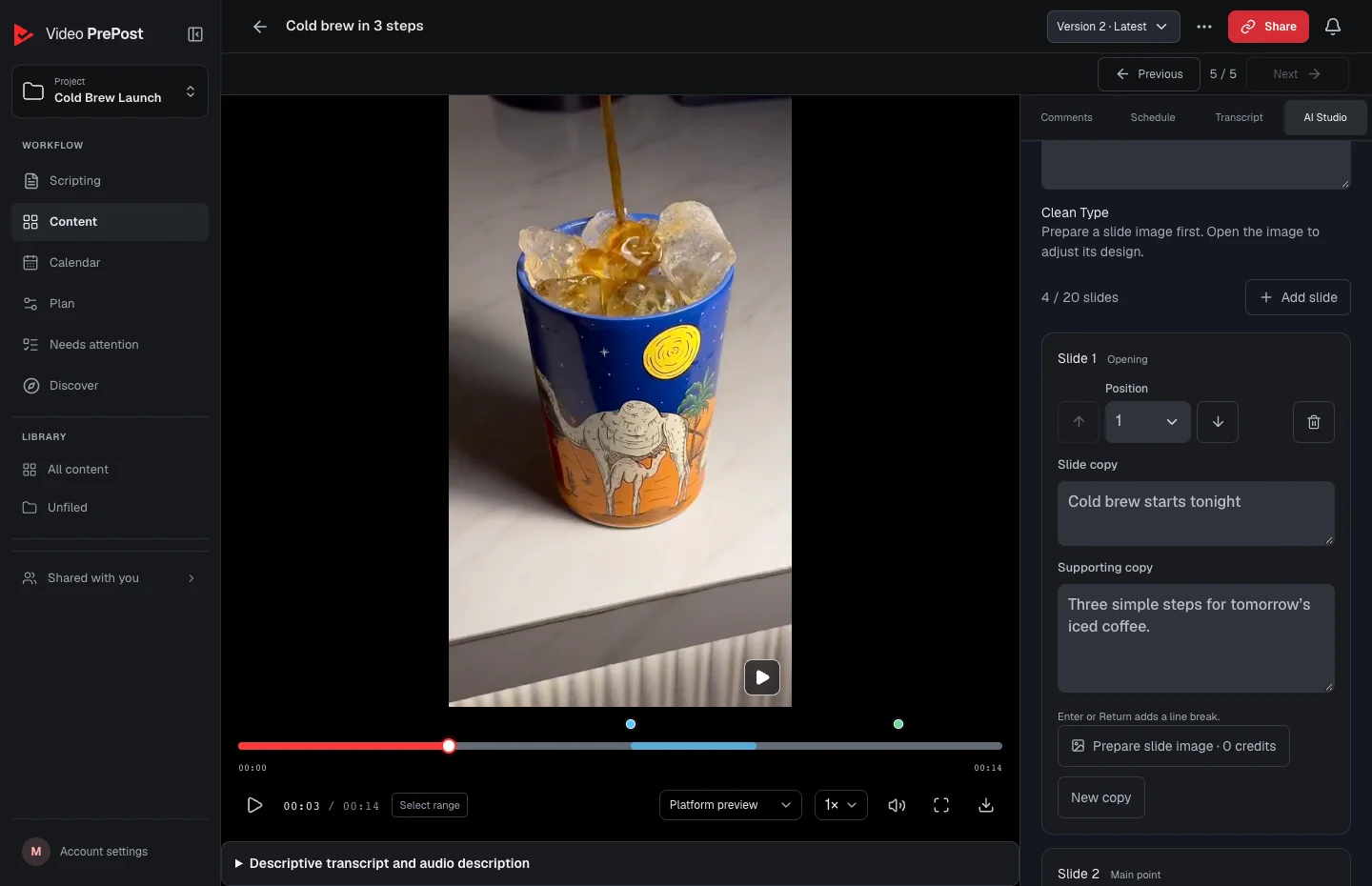
A recipe in four slides
Use the cover to make the promise, then give each recipe step enough room to read. Put the easiest proportion to remember on the final slide.
Cover · Cold brew starts tonight Slide 2 · Mix coarse-ground coffee and cold water Slide 3 · Steep it overnight Slide 4 · Strain, pour over ice, and dilute to taste
Design slides someone can save and use later
Carousel ideas turns a video’s useful points into slide copy. You can adjust the cover, slide order, layouts, and wording, then save a carousel as its own post for review.
A process video can be valuable as something the audience can read, save, and check later. For a creator, a carousel also gives a strong idea a second form with the source already available.