
How to Turn a Video Into a Thread for X or Threads
Pick a video that teaches several distinct points. In Text post, choose X or Threads and Post thread, then give the first post the hook and each later post one job.
Turn the video’s points into a short thread
Choose a source with enough substance
Look for a video with a few distinct steps or examples.
Draft the thread
In Text post, choose X or Threads and then Thread. Give directions about the promise and preferred sequence.
Check the order
Move the payoff up, give each post one clear job, and end when the promise has been delivered.
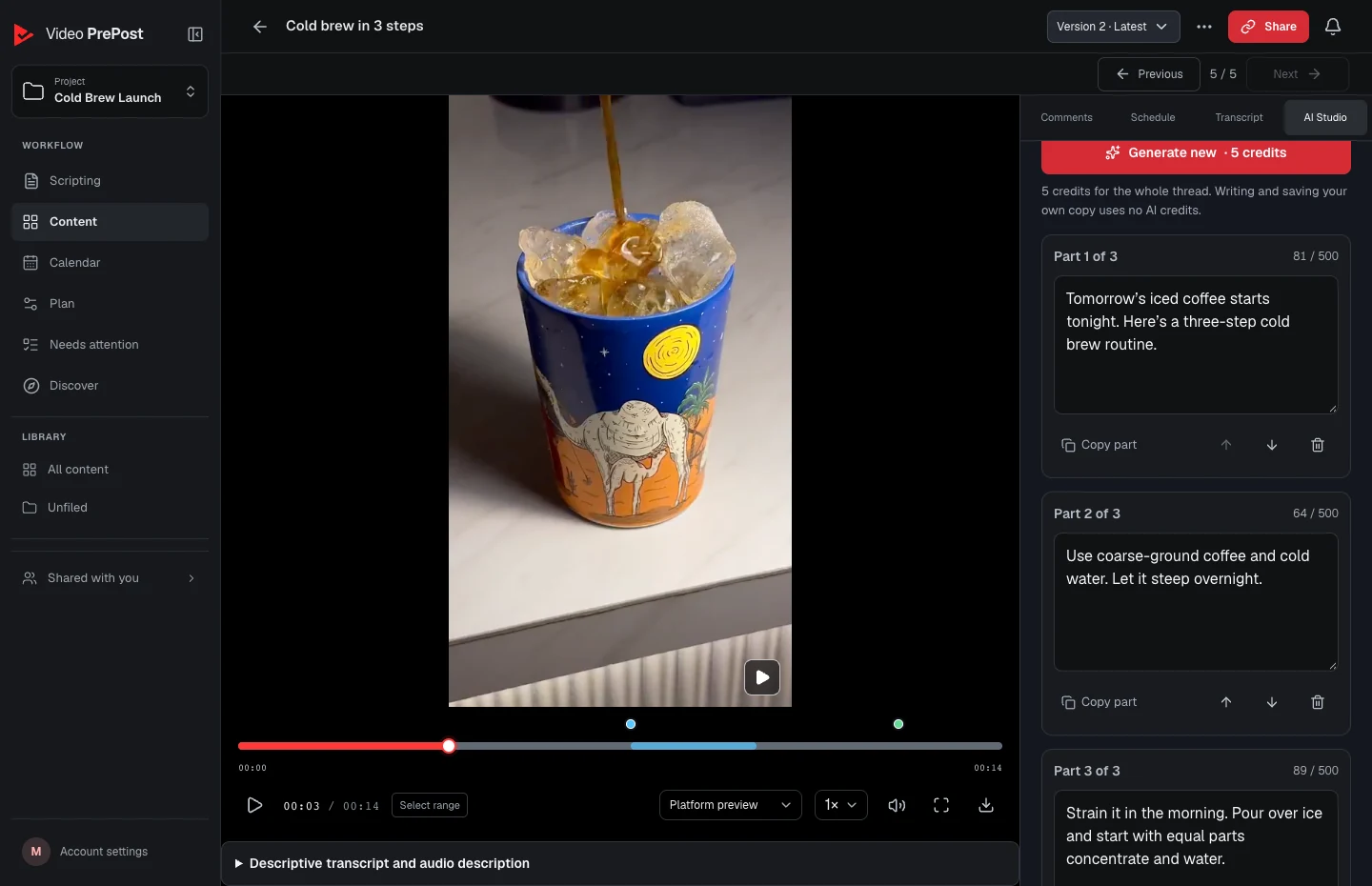
Write a three-part recipe thread
Open with why the prep starts tonight. Give the coarse grind and steep instructions next. End with how to strain and dilute the concentrate.
Use a thread when the order adds value
Thread format breaks a video’s points into multiple linked text posts. Each draft post can be edited before you copy the thread.
Threads work for instructional videos with steps or useful contrasts. A reader can get the idea in the first post and have a reason to continue for the method.