
How to Write On-Screen Hooks for Short-Form Video
Identify what the viewer learns or sees, then open Headline ideas in AI Studio. Choose a short line that fits the opening shot and delivers a promise the video can keep.
Choose and place an opening headline
Find the payoff first
Identify the answer or result the viewer will see. Open Headline ideas and provide direction if you need a particular angle.
Compare different approaches
Try a result-first line, a question, and a specific promise. Read them at the size they’ll appear on a phone.
Place it in the edit
Copy the strongest line into your editor. Check that the opening frame and spoken line support the same idea.
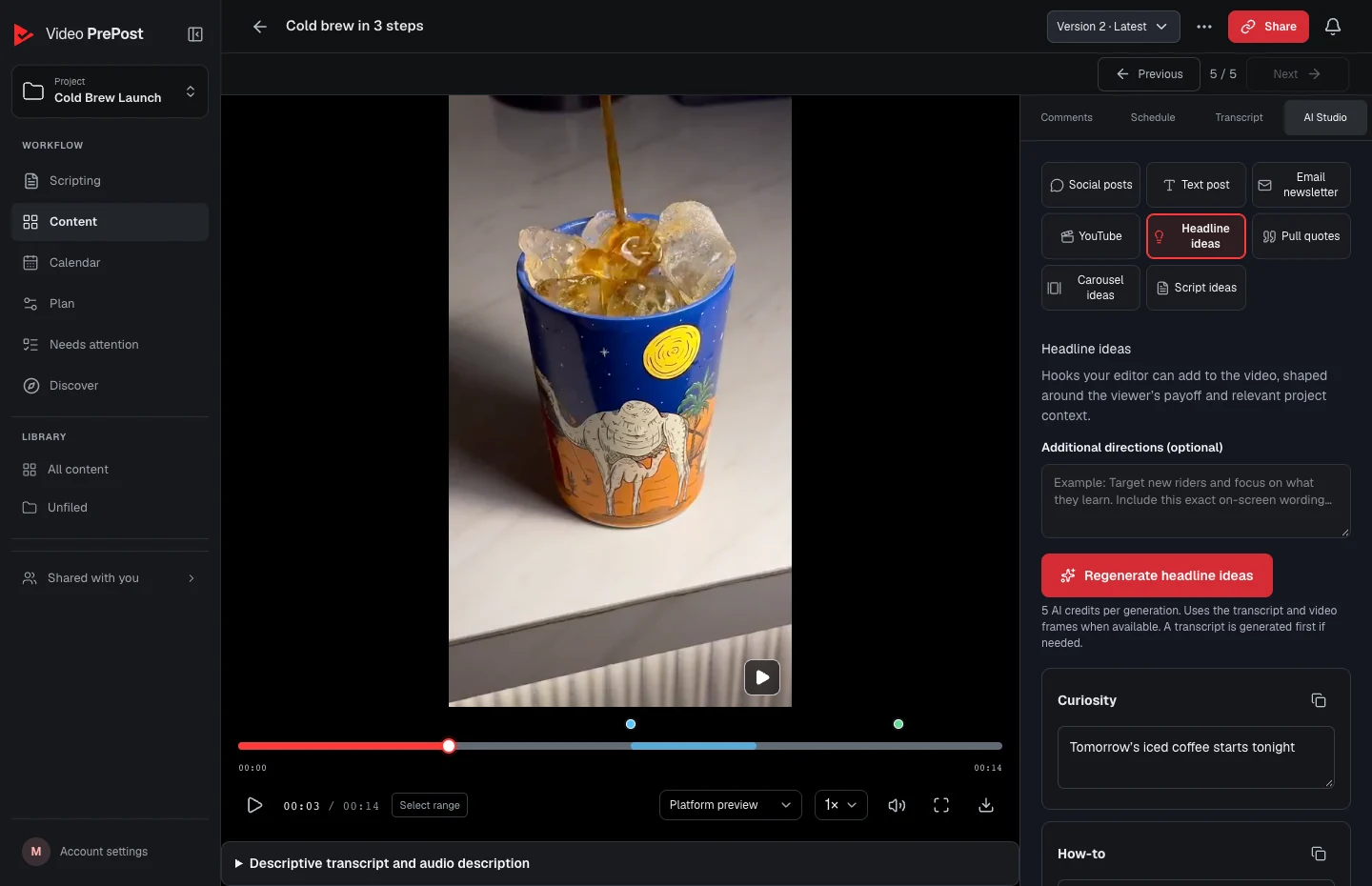
Give the cold-brew pour a reason to watch
The opening shot shows ice and coffee. Put “Tomorrow’s iced coffee starts tonight” on that frame, then deliver the overnight recipe immediately. Compare it with a direct how-to opening in a similar post if you have retention data.
Pair the first line with the visual payoff
An on-screen headline is the short text you put over the opening of a video. Headline ideas uses the transcript and, for supported short videos when available, sampled frames to suggest different ways to open.
An editor can tell the viewer what the first shot means and create a specific question worth staying to answer. The promise should fit what the video actually delivers. Compare retention on similar posts if you want to judge what works for your audience.