
How to Write a YouTube Title That Fits Your Video
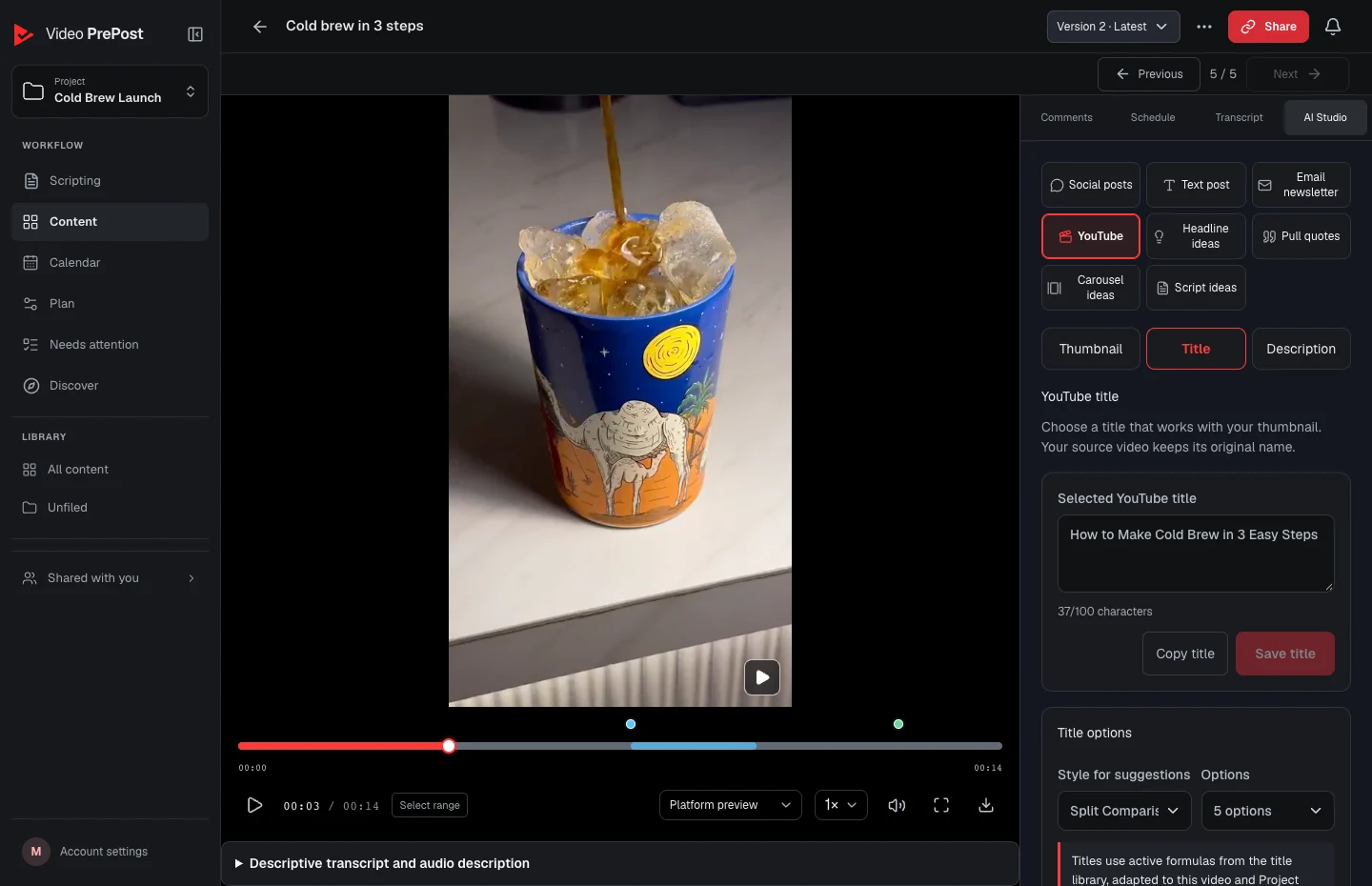
Open AI Studio → YouTube → Title. Compare titles alongside their proposed thumbnail text, then choose one that states what the video delivers and sounds natural out loud.
Choose and save a title for the video
Write down what the video delivers
Choose the viewer promise and make sure the video answers it.
Compare a few pairs
Open YouTube in AI Studio and select Title. Generate ideas, then read each title alongside its short thumbnail text.
Choose and edit a pair
Keep important words close to the beginning. Use complementary thumbnail text, check the promise against the video, and save your title.
Make the title and thumbnail do different jobs
Use “How to Make Cold Brew in 3 Easy Steps” as the title. Use “Start Tonight” on the thumbnail so it hints at the overnight method without repeating the title.
Give the title and thumbnail different jobs
YouTube title ideas gives you alternate video titles and thumbnail text based on the source. You can pick a pair, edit the title, and save it with the video.
The headline and picture work together at feed size. A strong pair makes the subject clear and gives the viewer a reason to choose the video. A familiar pattern helps you explore phrasing, and your own results tell you whether it works for this audience.