
How to Organize Reel Variations in One Posting Slot
Put alternate hooks or cuts in a folder inside the project and choose Make Video Set. Review each cut separately and give the set one planned posting date.
Group alternate cuts into a Video Set
Make a variation folder
Create a folder inside the project for the alternate cuts. Give each video a name that describes the difference.
Make it a Video Set
Use the folder actions to choose Make Video Set. Move or upload the related cuts into that set.
Check the shared posting slot
Give the set a date and confirm the right creative and review status before taking the next publishing step.
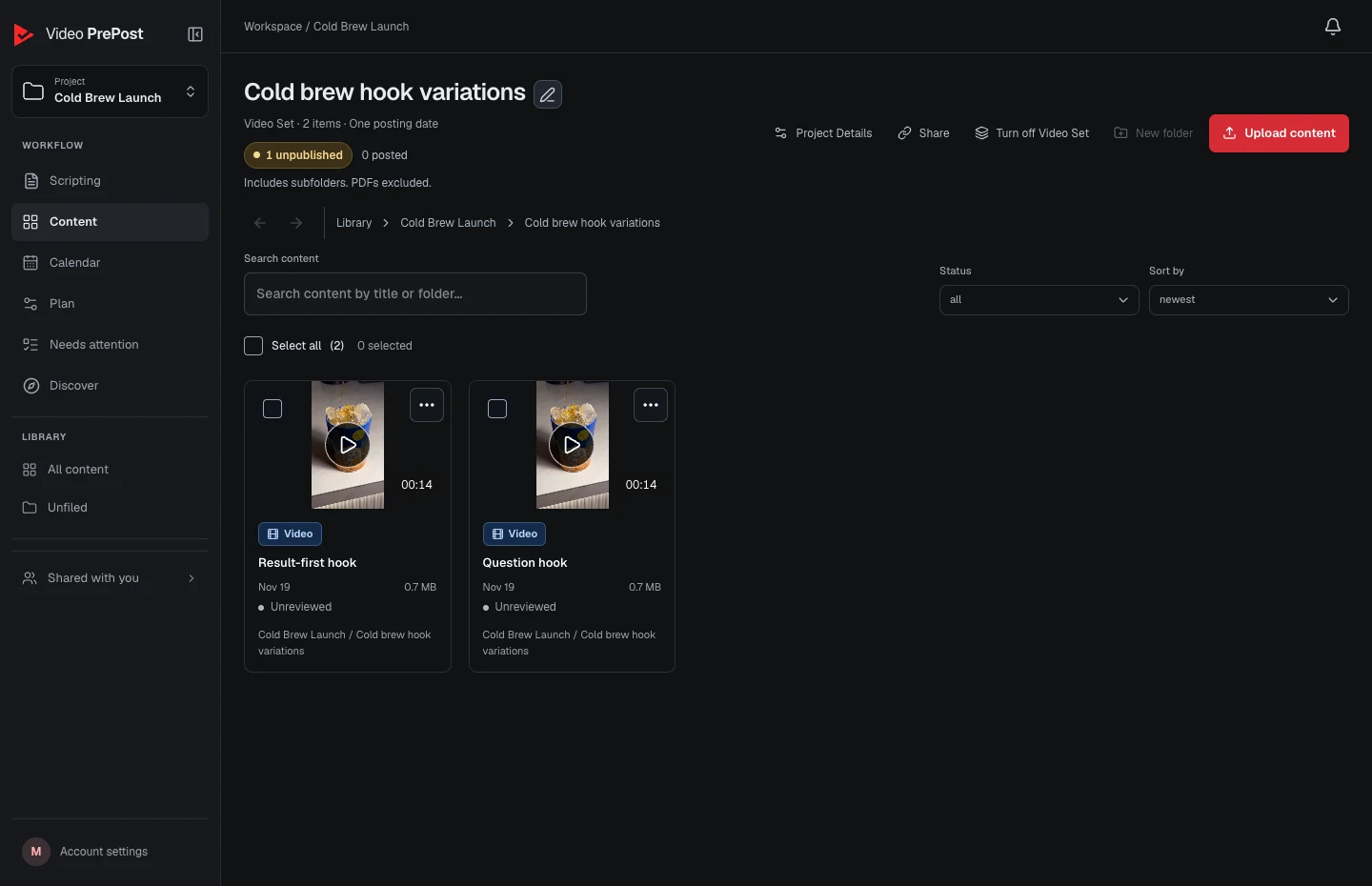
Compare two openings without duplicating the plan
Question hook and Result-first hook each have their own review. Both stay together under one slot for the planned cold-brew tip.
Give the variants one place in the plan
A Video Set is a folder whose creative variations share one planned posting slot. Each cut can still be opened and reviewed as its own piece of media.
Editors and social teams often build hook variations from the same source. A Video Set lets the team review those options without accidentally planning each version as a separate campaign post.