
How to Write a YouTube Description With Chapters
Draft the description from the final video and put the useful summary first. If the video is long enough for chapters, verify each timestamp on the final cut before copying the description.
Draft the description and verify chapter times
Check the latest transcript
Verify the main topics, any names or quantities, and the timing.
Draft the description
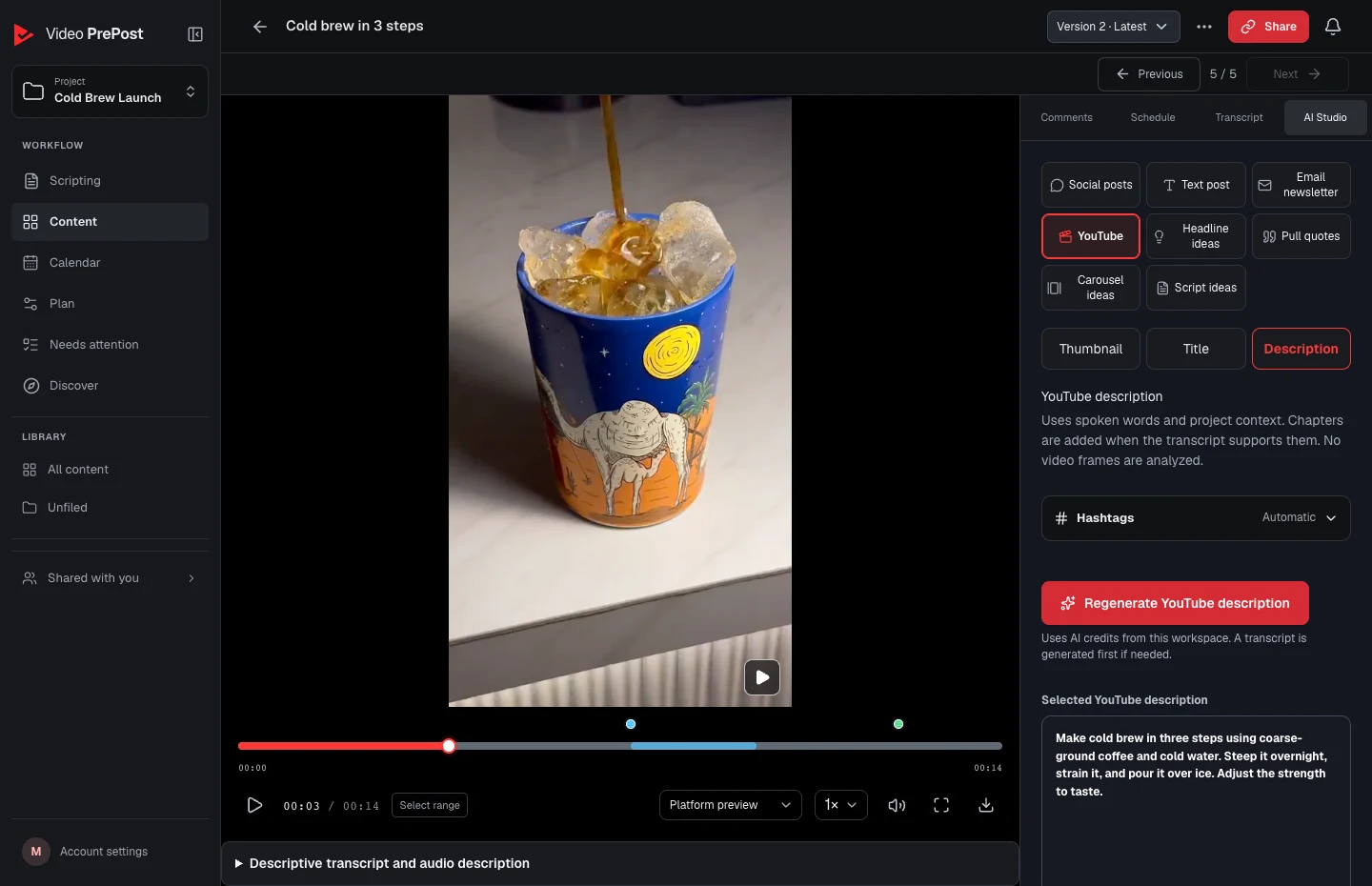
Open YouTube and choose Description. Put the useful summary near the top and review the links and wording.
Verify any chapter list
Replay the video at each timestamp. YouTube’s manual chapters start at 00:00, list at least three timestamps in order, and require chapters of at least 10 seconds.
Give a longer recipe demo useful navigation
The short example needs only a clear text summary. In a longer recipe walkthrough, chapters can jump to grind size, steeping, and dilution, with each timestamp checked against the final cut.
Help viewers find the part they came for
YouTube Description uses the spoken content and project context to draft a description. When the transcript supports chapters, it can include them in the draft for review.
A useful description tells the viewer what they’ll get and where to go next. Chapters help someone navigate a longer demo if they want a particular segment.